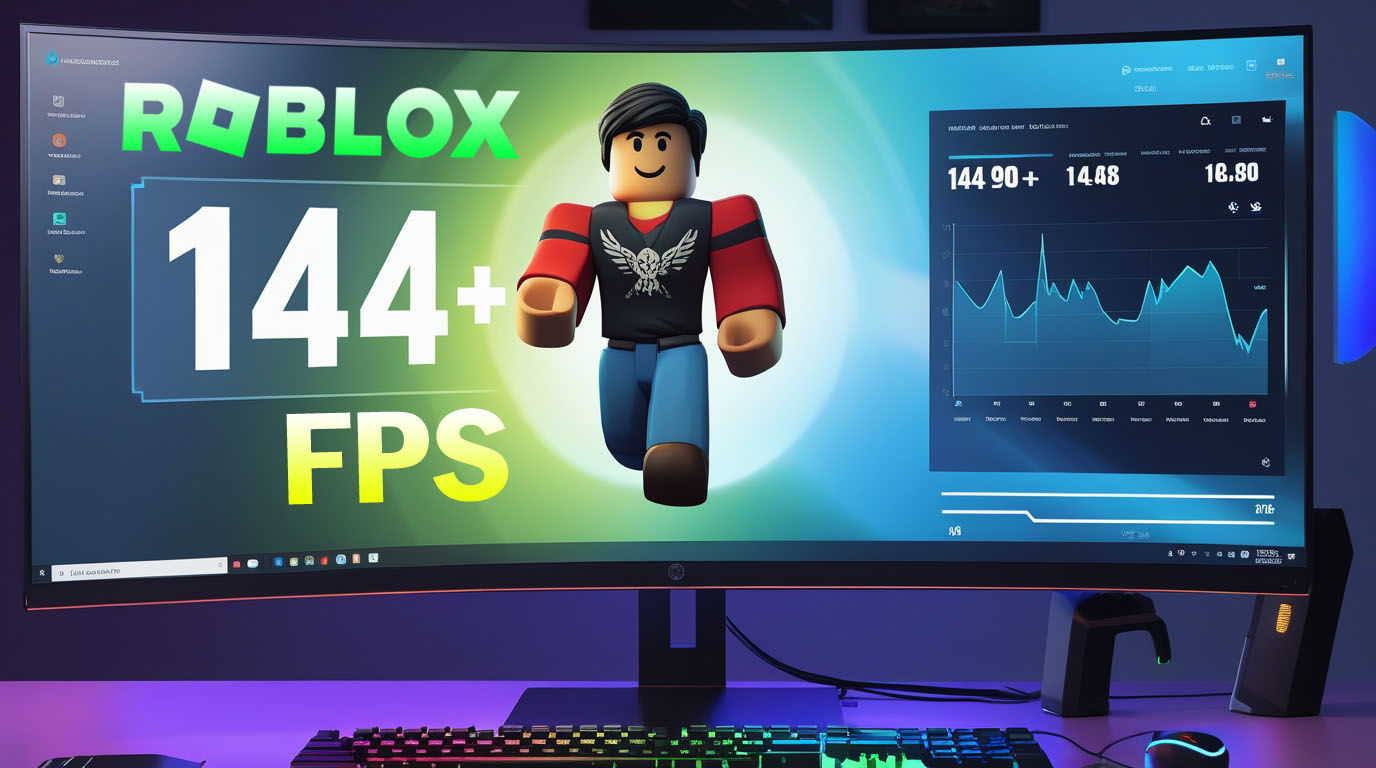
If you’ve been searching for roblox fps unlocker, you’re probably curious about how players remove the default frame rate cap in Roblox to make the game run smoother on more powerful hardware. By default, Roblox limits the frame rate to around 60 FPS (frames per second), which can feel sluggish on high-refresh-rate monitors. A Roblox FPS Unlocker is a third-party tool that can remove that limit and allow much higher frame rates in the game, potentially delivering a more fluid experience on capable machines.
For players interested in trying an FPS unlocker responsibly, it’s important to use trusted sources and be mindful of safety. Below are two necessary download links that point to reputable options related to FPS unlocking and performance tools:
1. Roblox FPS Unlocker (GitHub Official Repository) – download releases safely from the developer’s archive:
👉 https://github.com/axstin/rbxfpsunlocker/releases GitHub
2. Bloxstrap (alternative tool with FPS options and mods) – community-supported tool that doesn’t modify core Roblox files and may support performance tweaks:
👉 https://github.com/bloxstraplabs/bloxstrap/releases Bloxstrap
When downloading any tool, always verify the source and scan for malware, because unofficial files hosted on random websites can contain harmful elements.
What Exactly Is a Roblox FPS Unlocker?
A Roblox FPS Unlocker is a small program designed to unlock or raise the frame rate cap imposed by the Roblox client. Normally, Roblox limits gameplay to 60 FPS to balance performance across a wide range of devices. With this cap removed, players with powerful graphics cards and high-refresh-rate monitors can experience much smoother gameplay with frame rates beyond 60.
Popular versions of the FPS Unlocker have been hosted on GitHub, where developers maintained open-source tools specifically for this purpose. While the code itself doesn’t automatically increase performance, it simply removes the restriction, letting your hardware do the rest if it is capable.
How FPS Unlockers Work
FPS unlockers operate by modifying how Roblox handles the frame rate limit internally. They do not add new game features or change the gameplay logic; instead, they allow the game to use more of your computer’s rendering capability. Once launched alongside Roblox, an FPS unlocker will typically:
- Remove the default 60 FPS cap
- Let you set a custom frame rate (such as 120, 144, or 240+)
- Reduce perceived input lag and improve responsiveness with higher FPS
- Show FPS information in some versions with a shortcut key (e.g., Shift+F5)
Keep in mind that this tool does not actually boost GPU performance — it only allows more frames if your hardware can already support them.
Official Roblox FPS Option
Roblox itself has added settings for higher FPS caps in the game’s menu in 2024, which means you may not need a third-party tool at all. You can go into Roblox settings and adjust the “Maximum Frame Rate” under the graphics or movement settings, which now supports higher refresh rates (like 120 or 240) natively.
This makes FPS unlockers less essential than they once were, and using official in-game settings is generally safer and supported by Roblox updates.
Safety and Policy Considerations
Using third-party software like a Roblox FPS Unlocker can be a gray area:
- Roblox does not officially support external tools that modify the client.
- The platform’s community standards discourage unauthorized software, especially if it affects gameplay or gives unfair advantages.
- Some FPS unlocker downloads from untrusted sites may contain malware or viruses, so using official GitHub releases and scanning files first is crucial.
Although some community threads suggest these unlockers have not been punished in the past, Roblox’s stance can change, and using external tools always carries some risk.
Performance vs. Safety: What You Should Know
A Roblox FPS Unlocker can make your game feel smoother by lifting the 60 FPS limit, but you should balance this desire with security and policy awareness. Third-party installers from unknown sites are more likely to pose threats like malware or system instability. Always prefer well-known repositories like GitHub and community-verified tools.
The official Roblox settings for FPS are likely sufficient for most users, especially since Roblox’s built-in “Maximum Frame Rate” feature now supports higher values without external tools.
Do You Need an FPS Unlocker in 2026?
Not necessarily. With Roblox’s native frame rate setting now available in the game interface, many players can achieve higher FPS without third-party applications. If your hardware and Roblox’s settings offer the FPS you want, this is usually the safest and most stable option.
Third-party FPS unlockers are still used by some players for custom tweaking, but they should be downloaded from safe, reputable sources, and you should be prepared to troubleshoot issues if they arise.
Popular Alternatives and Tools
Besides the traditional Roblox FPS Unlocker, community tools such as Bloxstrap provide enhancements and performance options without modifying core Roblox files. Bloxstrap is open-source and designed to work alongside Roblox, offering users additional settings and better compatibility with updates.
Another approach is to use built-in performance monitoring tools like MSI Afterburner or Windows Game Bar to track FPS and system load, rather than relying solely on unlockers.
Common Questions About FPS Unlockers
Q1: What does a roblox fps unlocker do?
It removes the default frame rate cap so your game can run above 60 FPS if your system supports it.
Q2: Is using a Roblox FPS Unlocker allowed?
Roblox doesn’t officially support them and their use could be considered unauthorized, but past enforcement has been inconsistent.
Q3: Will it boost my performance?
No — it only uncaps the FPS limit. Actual performance depends on your hardware.
Q4: Why does antivirus flag it?
Some antivirus programs may detect it as a false positive because it interacts with the game process. Always download from trusted sources.
Q5: Are there official alternatives?
Yes — Roblox’s native settings now include a Maximum Frame Rate option.
Q6: Does it work on Mac?
Official unlockers are primarily for Windows; Mac support is limited or requires community ports.
Q7: Can I set a custom FPS cap?
Yes — many unlockers let you choose higher FPS limits.
Using a roblox fps unlocker can make Roblox feel smoother if you are running the game on powerful hardware and want frame rates above the default 60 FPS. However, it’s important to approach this carefully: prefer official releases on GitHub, verify downloads, and consider using Roblox’s built-in frame rate settings when possible. Third-party tools like these come with some risk and are technically unsupported by Roblox, so weigh the benefits against potential safety and policy implications before you decide to use one.
🔥 Related Posts

Exploring Now gg Roblox Games: A Gateway to Unlimited Fun
How to Use and Install BTRoblox on Roblox Safely
Roblox Creator Hub 2026: New Studio UI, Avatar Roadmap & Creator Tools Guide
Now.gg Roblox Unblocked 2026: Mini Games Work, Full Roblox Gone? Best Alternatives
Roblox Chat Safety Issues Explained