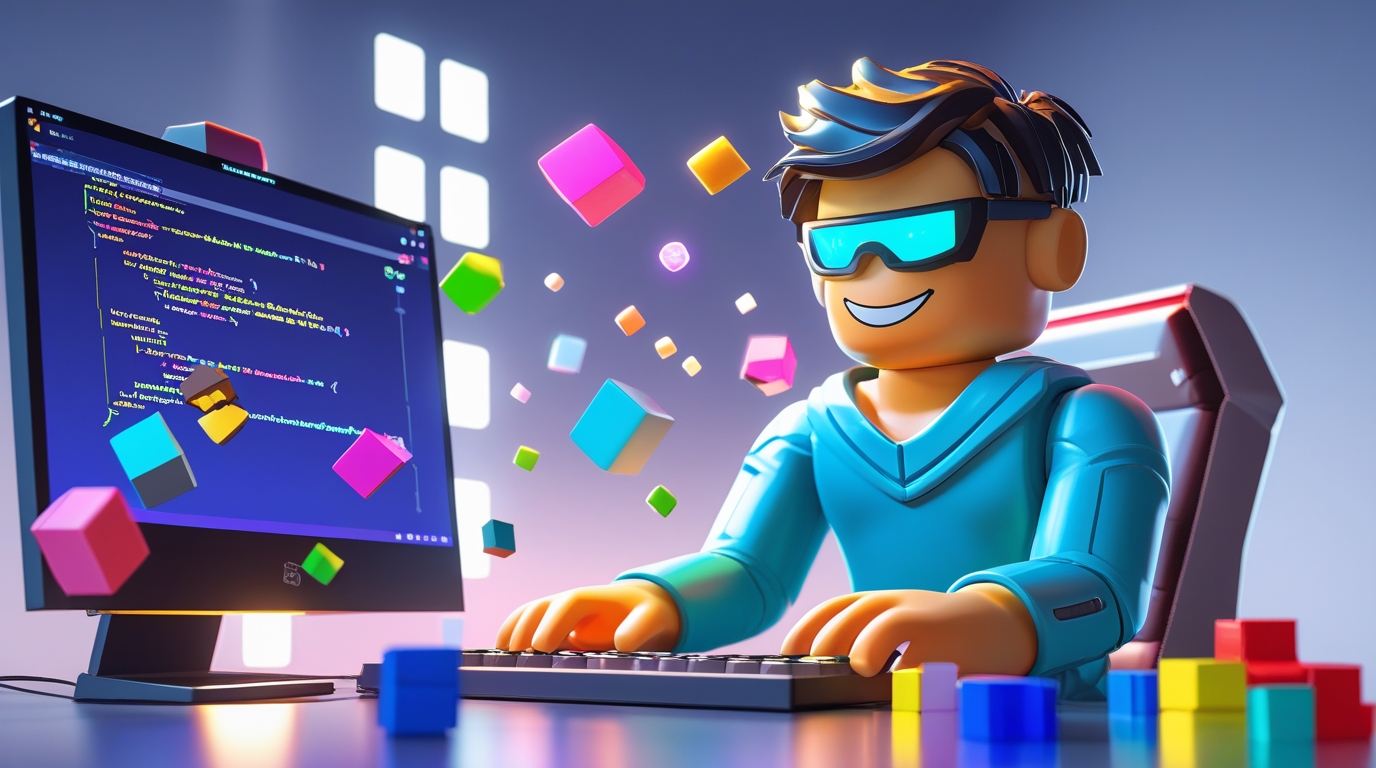
If you’re interested in roblox scripts, you’re likely wondering how scripting works on Roblox, how to start creating your own game logic, and how to use code to make your creations truly interactive. Roblox scripts are the foundation of custom behaviors, game mechanics, GUIs, and more in Roblox experiences. Learning to script opens up creative control over every aspect of a Roblox game — from simple animations and events to complex multiplayer systems.
🔗 Official Download Links You Need
Before you begin scripting, make sure you have the right tools:
Download Roblox Studio (official game creation tool):
👉 https://www.roblox.com/create
Roblox Studio is free and includes all the editing, scripting, and testing features you need.
Download Lua Documentation (Roblox Developer Hub):
👉 https://create.roblox.com/docs
This is the official scripting reference from Roblox — essential for learning APIs, functions, and best practices.
💡 What Are Roblox Scripts?
Roblox scripts are pieces of code written in the Lua programming language that tell a Roblox game what to do. Scripts can control:
- How objects behave
- Player movement and abilities
- GUIs and menus
- Leaderboards and stats
- Game events and triggers
- NPC (Non-Player Character) behavior
- Custom interactions and mini-games
Without scripts, a Roblox game would be a static environment with no logic or interactivity beyond basic physics.
📌 Key Concepts of Roblox Scripting
1. Lua — The Language Behind Scripts
Roblox uses Lua, a lightweight, easy-to-learn scripting language. It’s widely praised for being clean and approachable for beginners.
2. Script Types in Roblox
There are a few script types:
- Script: Runs on the server for gameplay logic (e.g., movement, damage)
- LocalScript: Runs on the player’s client for user interface and client-side logic
- ModuleScript: Reusable libraries or functions that help organize code
Each has specific contexts where it should be used.
3. Events & Functions
Scripts respond to events like button clicks or player input, and use functions to encapsulate behaviors.
Example:
game.Players.PlayerAdded:Connect(function(player)
    print(player.Name .. " has joined the game!")
end)
This listens for a player joining and prints their name.
🎓 Why Scripting Matters in Roblox
Scripting elevates a game from basic building to:
- Meaningful gameplay mechanics
- Progression systems
- Multiplayer interactions
- User interfaces (HUDs, menus)
- Sound and animation control
- Leaderboards and rewards
Without scripts, players wouldn’t be able to interact meaningfully with your creation beyond walking around.
🚀 How to Start With Roblox Scripting (Step-by-Step)
Step 1 — Open Roblox Studio
Install and launch Roblox Studio from the official download. Create a new game or open an existing place.
Step 2 — Insert a Script
Right-click in the Explorer panel:
- Insert Object → Script
- This creates a new script inside a part or workspace.
Step 3 — Write Your First Script
Here’s a simple example that makes a part change color:
local part = script.Parent

part.Touched:Connect(function(hit)
    part.BrickColor = BrickColor.Random()
end)
Now when a character touches the part, it changes color.
Step 4 — Test the Script
Press Play in Roblox Studio to test your game logic in the built-in simulator.
🧠 Terminology You Should Know
| Term | Meaning |
|---|---|
| API | Application Programming Interface — functions and objects Roblox provides |
| Event | Something that happens in the game that scripts can respond to |
| Function | A reusable block of code |
| Property | Attributes of objects (e.g., position, color) |
💻 LocalScripts vs. Server Scripts
Understanding where your code runs is essential:
Server Scripts
- Run on the game server
- Affect all players
- Used for authoritative logic (e.g., damage, rewards)
LocalScripts
- Run on the player’s device
- Used for UI, camera control, client effects
- Cannot change server-side data directly
Mixing these correctly is vital for stable games.
📊 Best Practices for Writing Roblox Scripts
1. Keep Code Organized
Use ModuleScripts to separate functionality (e.g., UI handling, player data, combat logic).
2. Comment Your Code
Comments make it easier to remember what functions do:
-- This function greets a player when they join
3. Avoid Infinite Loops
Infinite loops can crash your game. Use events and wait appropriately.
4. Secure Critical Logic on Server
Don’t trust client input for sensitive actions like currency or stats — validate on the server.
🧪 Debugging: Finding and Fixing Script Errors
When a script doesn’t work:
1. Check Output and Errors
Use the Output panel in Roblox Studio to see error messages.
2. Print Debugging
Add print() statements to see values in real time.
3. Check Event Connections
Make sure functions are connected to events properly.
Example:
if part then
    print("Part found!")
end
🛠 Useful Tools for Scripting
1. Roblox Developer Hub
Official documentation, tutorials, and API references: https://create.roblox.com/docs
2. Community Tutorials
YouTube and developer forums offer countless step-by-step scripting guides.
3. Plugins
Studio plugins like:
- Rojo (for external code editors)
- Linting tools (syntax help)
🧱 How Scripts Power Gameplay Features
Below are examples of common systems built with scripts:
Leaderboard System
Tracks player scores:
game.Players.PlayerAdded:Connect(function(player)
    local leaderstats = Instance.new("Folder")
    leaderstats.Name = "leaderstats"
    leaderstats.Parent = player

    local score = Instance.new("IntValue")
    score.Name = "Score"
    score.Value = 0
    score.Parent = leaderstats
end)
Teleport System
Moves players between places:
game.Players.PlayerAdded:Connect(function(player)
    player.CharacterAdded:Connect(function(char)
        char:MoveTo(Vector3.new(0,50,0))
    end)
end)
🏆 Common Roblox Scripts People Search For
People often search for ready-made roblox scripts for:
- Leaderboards
- GUI menus
- Teleportation
- Shop systems
- Weapon mechanics
- Custom animations
- NPC behavior
- Experience and leveling
We’ll cover examples and safe resources later in the Q&A.
🧠 Roblox Scripting Community & Resources
Community sites and forums are essential:
- DevForum (official Roblox): Deep technical threads
- YouTube tutorial channels: Step-by-step guides
- Discord scripting communities: Real-time help
- GitHub repositories: Shared code examples
Always cross-check community scripts with documentation to avoid deprecated or insecure code.
⚠️ Common Pitfalls & How to Avoid Them
❌ Using Scripts from Unknown Sources
Scripts from random websites can be unsafe or broken. Always prefer trusted community code.
❌ Ignoring Server/Client Context
Putting server logic in LocalScripts (or vice versa) breaks functionality.
❌ Skipping Learning Basics
Jumping into complex scripts without understanding fundamentals leads to frustration.
🧩 Example Project: Build a Simple Shop System
Here’s an illustrative project to tie together concepts:
- Create a GUI with a buy button
- Script the click event
- Deduct currency from the player
- Give an item
Example snippet:
local button = script.Parent

button.MouseButton1Click:Connect(function(player)
    if player.leaderstats.Coins.Value >= 100 then
        player.leaderstats.Coins.Value -= 100
        print("Item purchased!")
    end
end)
This example introduces GUI and inventory logic.
🏫 Learning Path: How to Level Up as a Scripter
Beginner
- Learn Lua basics
- Understand events, functions, and tables
Intermediate
- Build modules
- Create reusable code
- Make simple games with economy
Advanced
- Build full titles
- Integrate data persistence
- Use external tools like Rojo for workflow
📈 How Roblox Scripting Impacts Player Experience
Good scripts make games:
✔ Intuitive
✔ Responsive
✔ Dynamic
✔ Replayable
✔ Enjoyable
Poor scripts produce bugs, crashes, and bad user feedback — especially important if you monetize your game.
🧠 Monetization Tips (Ethical & Allowed)
Roblox allows monetization via:
- Game Passes
- Developer Products
- Premium Payouts
Scripts must carefully handle purchases and rewards without exploiting players.
❓ Frequently Asked Questions (Q&A)
Q1 — What are roblox scripts?
Roblox scripts are pieces of Lua code that control game behavior and interaction.
Q2 — How do I start scripting in Roblox?
Install Roblox Studio, add a Script or LocalScript, and learn Lua basics from official docs.
Q3 — Can roblox scripts affect player data?
Yes, but secure scripts should handle data on the server.
Q4 — Where do I test my scripts?
Use Roblox Studio’s Play and Start Server features.
Q5 — Are there safe script tutorials?
Yes — official Roblox Developer Hub and trusted YouTube channels are best.
Q6 — Can I sell my script?
Roblox prohibits selling Lua scripts alone — but you can monetize your game that uses those scripts.
Q7 — What languages are used?
Lua is the scripting language for Roblox.
Q8 — Do I need to code to make games?
Not always — but learning scripting lets you make richer and more flexible games.
Q9 — What’s the difference between Script and LocalScript?
Scripts run server-side; LocalScripts run on the client (player device).
Q10 — How do I avoid crashing my game?
Test frequently, handle errors, and keep loops controlled.
📌 Final Thoughts
Roblox scripts are the backbone of every dynamic Roblox experience. Whether you want to build RPGs, platformers, simulators, tycoons, or social hangouts, mastering scripting lets you bring ideas to life. By understanding Lua, using best practices, and engaging with official resources and community tutorials, you’ll grow from a beginner into a confident developer.
🔥 Related Posts
Suporte Roblox: Your Complete Guide to Getting Help on Roblox in Brazil

Now.gg Roblox Unblocked 2026: Mini Games Work, Full Roblox Gone? Best Alternatives
Why Kids Are So Addicted to Roblox
How to Get Voice Chat on Roblox: A Complete Guide for 2024

Solo Leveling: Arise Game – The Ultimate Experience for French Gamers in 2024