
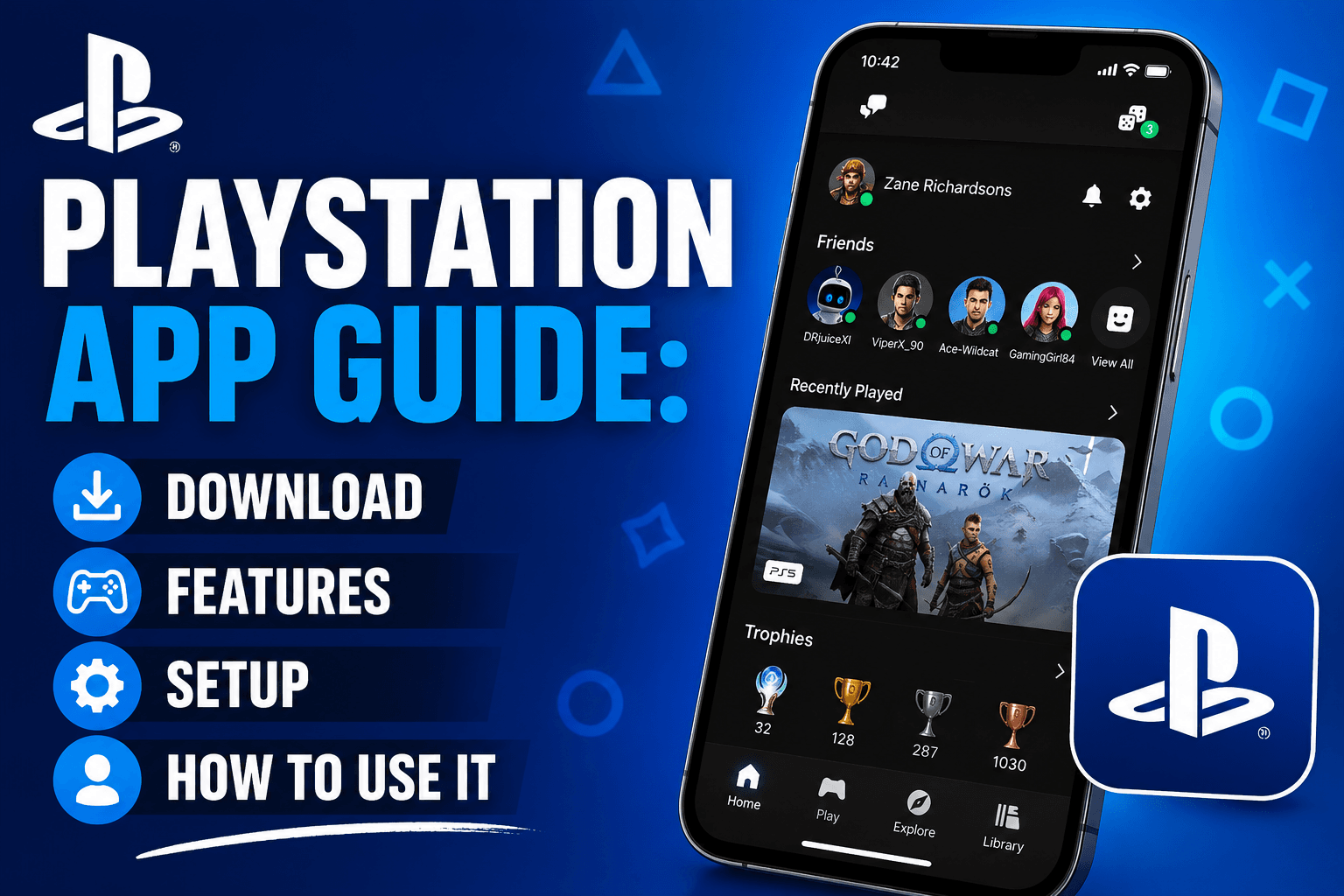
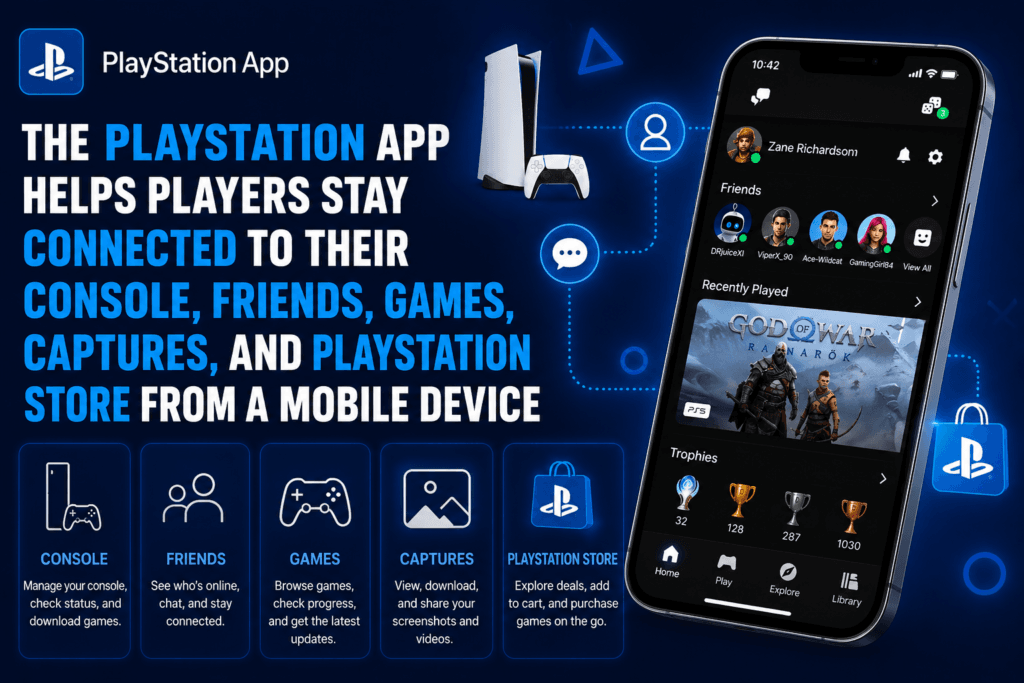
The PlayStation App has become one of the most useful tools for PS5 and PS4 players who want to stay connected to their gaming world without sitting in front of the console. Whether someone wants to message friends, check who is online, browse PlayStation Store, download games remotely, view PS5 captures, or manage parts of their console from a phone, the app brings many daily PlayStation tasks into one simple mobile experience. Sony describes it as the official companion app for connecting with friends and PS4 or PS5 consoles, and it is available for iOS and Android devices.
For players in the United States, the PlayStation App is especially useful because gaming habits are no longer limited to the living room. Many people buy games during sales while at work, download a title before getting home, join a party chat from their phone, or share a PS5 screenshot to social media within minutes. The app does not replace the console, but it makes the PlayStation experience faster, more flexible, and easier to manage.
What Is the PlayStation App?
The PlayStation App, often called the PS App, is Sony’s official mobile app for PlayStation users. It works with a PlayStation Network account and connects to PS5 and PS4 consoles. Once signed in, users can access their profile, friends list, messages, parties, PlayStation Store, game library, wishlist, notifications, trophies, and selected console features.
The main value of the app is convenience. Instead of turning on a console just to check a message, buy a game, or see what friends are playing, players can do it from their phone. It is also helpful for people who own a PS5 and want to download games before they get home, clear storage space, or access recently uploaded game captures.
| Feature | What It Helps With |
|---|---|
| Friends and profiles | See who is online and what they are playing |
| Messages and parties | Send texts, images, stickers, voice messages, and join voice chat |
| PS Store | Browse, buy, pre-order, and wishlist games |
| Remote downloads | Download games to PS5 or PS4 from your phone |
| PS5 captures | View, save, and share screenshots and short videos |
| Trophies | Check your trophy collection and compare with friends |
| Notifications | Get alerts for invites, downloads, deals, and updates |
Why the PlayStation App Is Useful
The PlayStation App is useful because it saves time. A player who sees a game deal on PlayStation Store can buy it from the app and start downloading it to the console right away. If the console is in rest mode and connected to the internet, the game may be ready by the time the player gets home. Sony’s support page explains that remote downloads require the paired PS5 or PS4 to have the proper internet/rest mode settings enabled.
It also improves social gaming. PlayStation has always been about more than just launching games. Players want to talk, plan sessions, compare progress, and share moments. The app makes that easier by giving access to Game Base, messages, parties, and voice chat from a mobile device. This is useful when someone wants to tell friends they are joining later, respond to an invite, or stay in touch without opening the console menu.
For PS5 owners, one of the best features is game captures. After enabling the feature, supported PS5 screenshots and short video clips can appear in the app. From there, users can download them to their phone, share them with friends, or post them to supported social media apps. Sony notes that supported captures are available in the app for 14 days, and video clips must meet upload limits such as duration and resolution.
How to Download the PlayStation App
The PlayStation App is free to download from the Apple App Store and Google Play. Users need a PlayStation Network account to sign in and use most of the app’s features. According to Sony’s US PlayStation App page, the app is available for iOS and Android mobile devices, and some features require a PS4 or PS5 console.
| Device | Where to Get It | Best For |
|---|---|---|
| iPhone | Apple App Store | PS5 and PS4 players using iOS |
| iPad | Apple App Store | Larger-screen browsing and messaging |
| Android phone | Google Play | PS5 and PS4 players using Android |
| Android tablet | Google Play | Store browsing, captures, and chat |
After installing the app, the user signs in with the same PlayStation Network account used on the console. This is important because the app needs to match the account connected to the PS5 or PS4. If the wrong account is used, the console may not appear correctly for pairing or remote downloads.
How to Connect the PlayStation App to PS5 or PS4
Connecting the PlayStation App to a console is simple, but it needs to be done carefully. On PS5 or PS4, the console should be signed in with the same PlayStation Network account used in the app. Then, inside the app settings, users can choose the option to pair a console. Sony’s support page says pairing allows PS5 users to start downloads, manage PS5 storage, and launch PS5 games from a mobile device, while PS4 pairing supports remote downloads to the primary PS4 console.
For PS5 users, the app can also help with sign-in. Sony’s support instructions explain that users can sign in to PS5 by scanning a QR code through the PlayStation App. This is a small feature, but it is useful because typing passwords with a controller can be slow.
Best PlayStation App Features
The PlayStation App has many features, but some are more useful in everyday life than others. The features below are the ones most players will use regularly.
| Feature | Best Use Case | Works With |
|---|---|---|
| Remote game downloads | Start installing games before you get home | PS5 and PS4 |
| PS Store access | Buy games, add-ons, and deals from your phone | PS5 and PS4 |
| Game captures | Save and share PS5 screenshots and short clips | PS5 |
| Voice chat | Talk with friends from the app | PlayStation Network |
| Text messages | Chat without turning on your console | PlayStation Network |
| Trophy viewing | Track progress and compare with friends | PlayStation Network |
| Storage management | Delete PS5 games to free space | PS5 |
The PS Store feature is one of the strongest reasons to keep the app installed. Players can browse new releases, check discounts, add games to a wishlist, and make purchases from their phone. Sony’s PlayStation App page also mentions wishlist notifications, which can alert users when prices change.
The storage management feature is also valuable for PS5 owners. Modern games can take up a lot of space, and players often need to delete older games before installing new ones. Sony’s support page explains that the PlayStation App can check PS5 storage and delete games from console storage or USB extended storage, although moving and copying games is not supported inside the app.
PlayStation App for PS5
The PlayStation App is especially powerful for PS5 users. PS5 owners can use it for remote downloads, game launch, storage checks, Share Screen viewing, game invites, and PS5 captures. A player can receive a game invitation on the phone and select “Join on Console” if the paired PS5 is ready. Sony also states that once a game has been downloaded to a paired PS5, it can be started from the phone by going to Game Library and choosing Play on Console.
PS5 captures are another major reason to use the app. When enabled, supported screenshots and non-4K video clips under three minutes can be uploaded and accessed through the app. This makes it easier for creators, streamers, and casual players to save moments without transferring files manually.
PlayStation App for PS4
The PlayStation App also works with PS4, but some features are more limited compared with PS5. PS4 users can still message friends, use PlayStation Store, view profiles, check trophies, and start remote downloads to a primary PS4 console. However, features such as PS5 storage management, PS5 game launch, Share Screen viewing, and PS5 captures are designed around PS5 support.
| Function | PS4 Support | PS5 Support |
|---|---|---|
| Text messages | Yes | Yes |
| Voice chat | Yes | Yes |
| PS Store purchases | Yes | Yes |
| Remote downloads | Yes | Yes |
| Launch game from app | Limited / not the same as PS5 | Yes |
| Manage console storage | No | Yes |
| PS5 game captures | No | Yes |
| Share Screen viewing | No | Yes |
For PS4 owners, the app is still worth downloading. It keeps the social, store, and library parts of PlayStation close at hand. For PS5 owners, it becomes more of a console companion because it can control more parts of the experience.
Can You Use the PlayStation App on PC?
There is no full PlayStation App for PC in the same way there is for iPhone, iPad, and Android devices. Sony’s official FAQ says the PlayStation App is available on smartphones and tablets only, and users should download it through the iOS App Store or Google Play.
This is a common point of confusion because PlayStation also offers PS Remote Play, which can work on Windows PC and Mac. But the PlayStation App and PS Remote Play are not the same thing. The PlayStation App is mainly for messaging, store access, downloads, captures, and account features. PS Remote Play is for streaming and playing console games on another screen.
PlayStation App vs PS Remote Play
Many users search for the PlayStation App when they actually want to play PS5 or PS4 games on a phone, tablet, or computer. That is where PS Remote Play comes in. The PlayStation App can help launch a Remote Play session, but Remote Play is a separate experience focused on streaming gameplay.
| App | Main Purpose | Best For |
|---|---|---|
| PlayStation App | Manage social features, store, downloads, captures, and console tools | Everyday PlayStation account and console companion use |
| PS Remote Play | Stream and play PS5 or PS4 games on another device | Playing console games away from the TV |
| PlayStation Family App | Manage children’s gameplay, spending, playtime, and safety settings | Parents and guardians |
Sony’s PlayStation App page explains that PS Remote Play can be launched from the PlayStation App for a smoother experience, but it remains a separate app for streaming games.
Is the PlayStation App Free?
Yes, the PlayStation App is free to download. Users need a PlayStation Network account, and some features require a PS4 or PS5 console. A PlayStation Plus subscription is not required for every feature. For example, Sony’s PS5 captures support page says users do not need PlayStation Plus to use the PS5 captures feature in the app.
However, certain games, online multiplayer features, cloud saves, and catalog benefits may still require PlayStation Plus depending on the game or service. The app itself is free, but the PlayStation ecosystem includes both free and paid features.
Common PlayStation App Problems and Fixes
Most PlayStation App problems come from account mismatch, console pairing issues, rest mode settings, internet connection problems, or outdated app versions. If the app does not show a console, the first thing to check is whether the phone and console are using the same PlayStation Network account.
| Problem | Likely Cause | Simple Fix |
|---|---|---|
| Console not showing in app | Different PSN account or console not paired | Sign in with the same account and pair again |
| Remote download not working | Console not in rest mode or not connected | Enable Stay Connected to the Internet |
| Captures not appearing | Captures not enabled yet | Go to Library > Captures and enable it |
| Messages not loading | App or network issue | Update app and check connection |
| Storage feature missing | Not using PS5 or console not paired | Pair a PS5 console correctly |
| Can’t launch game | Game not installed or PS5 not ready | Install the game and keep PS5 connected |
If captures are not appearing, it may be because older captures made before enabling the feature do not appear later. Sony states that users begin seeing captures only after the feature is enabled.
Who Should Use the PlayStation App?
The PlayStation App is useful for almost every PS5 or PS4 player, but it is especially helpful for people who buy digital games, play with friends often, share gameplay moments, or manage a large game library. It is also a good app for players who want alerts about invitations, store deals, wishlist price changes, and new releases.
For casual players, the biggest benefit is convenience. For competitive players, the biggest benefit is faster communication. For content creators, the biggest benefit is easier access to screenshots and clips. For parents, Sony has a separate PlayStation Family app that focuses on playtime, spending, messaging, and child gameplay management.
Final Verdict: Is the PlayStation App Worth It?
The PlayStation App is worth installing if you use a PS5 or PS4 regularly. It is free, official, easy to set up, and useful for everyday gaming tasks. The best features are remote downloads, PlayStation Store access, messages, party voice chat, PS5 captures, wishlist alerts, and PS5 storage management.
The app is not a replacement for the console, and it is not the same as PS Remote Play. But as a companion app, it does its job well. It keeps players connected to friends, games, purchases, downloads, and captured moments from almost anywhere. For US PlayStation users who want a faster and more flexible way to manage their gaming life, the PlayStation App is one of the first apps worth adding to a phone.
Frequently Asked Questions About the PlayStation App
What is the PlayStation App used for?
The PlayStation App is used to connect with PlayStation friends, send messages, join voice chats, browse PlayStation Store, buy games, start remote downloads, view trophies, receive notifications, and access selected PS5 features such as captures and storage management.
Is the PlayStation App free?
Yes, the PlayStation App is free to download from the Apple App Store and Google Play. Some features require a PlayStation Network account, internet connection, and a PS4 or PS5 console.
Can I download games from the PlayStation App?
Yes. You can buy games or select games from your library and download them to a paired PS5 or PS4 console. The console needs the correct internet and rest mode settings for remote downloads to work properly.
Can I see PS5 screenshots on the PlayStation App?
Yes. PS5 users can enable game captures in the app. Supported screenshots and video clips can be viewed, downloaded, and shared from the PlayStation App for a limited time after upload.
Is there a PlayStation App for PC?
No. Sony’s official FAQ says the PlayStation App is available for smartphones and tablets only. PC users can use PS Remote Play for game streaming, but that is a different app.
Does the PlayStation App work with PS4?
Yes. The PlayStation App works with PS4 for features such as messages, friends, PlayStation Store, trophies, and remote downloads to a primary PS4 console. Some advanced features are PS5-only.
Can I use voice chat on the PlayStation App?
Yes. The PlayStation App supports parties and voice chat. Users can create or join parties and talk with friends through the app.
Can I manage PS5 storage from the PlayStation App?
Yes. PS5 users can check storage and delete games from console storage or USB extended storage through the PlayStation App. Moving or copying games is not supported inside the app.