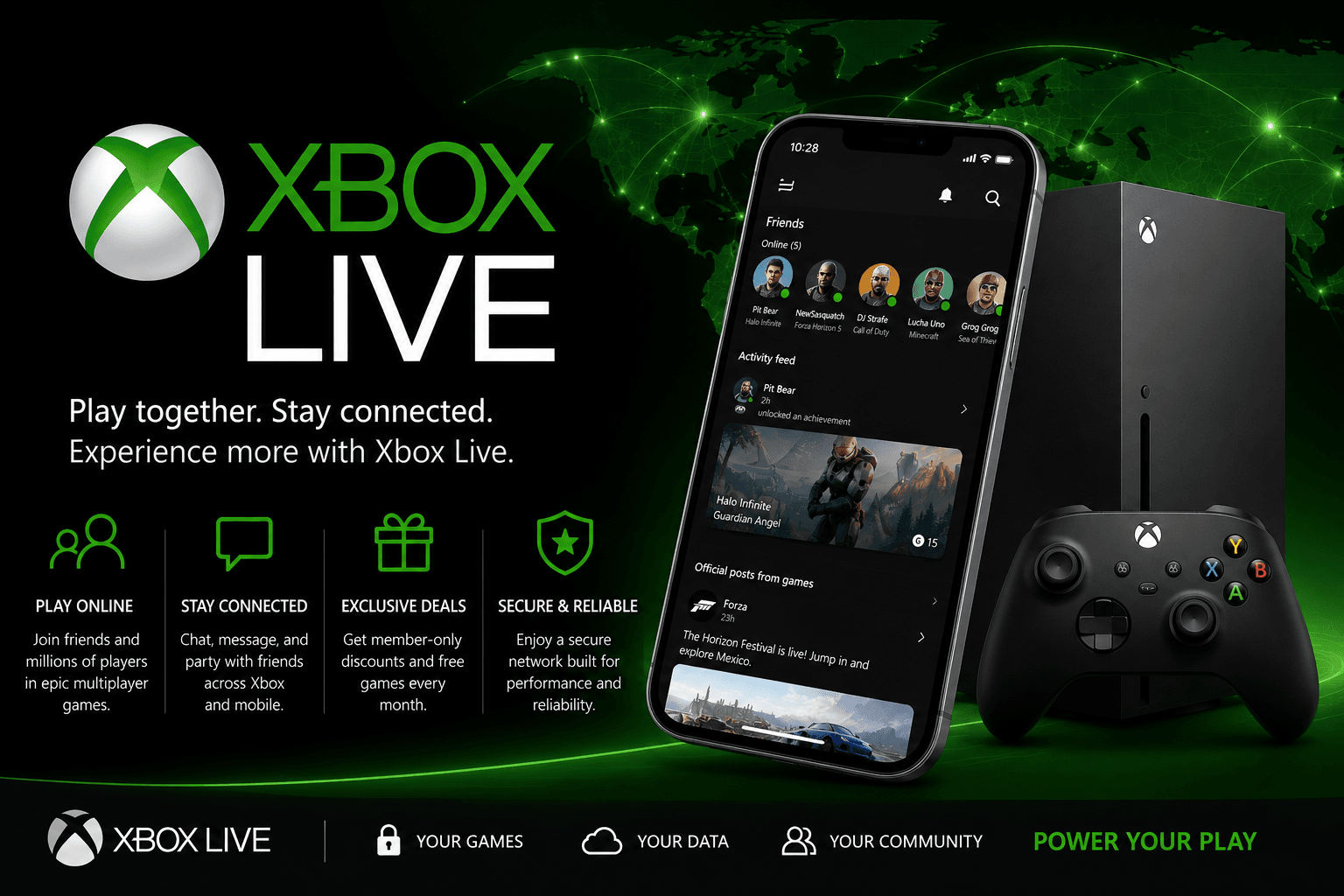
Xbox Live is more than just an online service — it’s the backbone of the Xbox gaming community. For players in the United States, Xbox Live means connecting with friends, accessing multiplayer games, streaming entertainment, and unlocking exclusive benefits. Whether you’re a casual player jumping into Fortnite, a competitive Halo fan, or someone who enjoys streaming apps like Netflix on your Xbox console, Xbox Live enhances the experience.
Developed by Microsoft, Xbox Live originally launched in 2002 with the Xbox console and has grown to support Xbox 360, Xbox One, and Xbox Series X|S. What started as a way to play games online has become a full suite of features designed to make gaming social, seamless, and constantly evolving.
Why Xbox Live Matters
If you own an Xbox console, Xbox Live is an essential part of the experience. Think of it like the digital ecosystem that keeps players connected, informed, and entertained. Unlike offline play, Xbox Live allows gamers to:
- Play with or against millions online
- Chat and message friends
- Get achievements and rewards
- Access exclusive deals on the Microsoft Store
- Connect to entertainment apps such as Spotify and YouTube
From competitive multiplayer sessions to watching movies with friends online, Xbox Live provides the tools that make your Xbox more than just a game system — it becomes a community hub.
Xbox Live Plans in 2026: What You Need to Know
There are different Xbox Live subscription plans, each tailored to a specific type of player. Below is a table that helps you compare the most popular options:
| Plan Name | Main Features | Best For |
|---|---|---|
| Xbox Live Free | Access to parties, messages, account features | Casual players not playing online multiplayer |
| Xbox Live Gold | Online multiplayer, free monthly games, exclusive discounts | Gamers who play multiplayer and want perks |
| Xbox Game Pass Core | Online multiplayer + Gold benefits | Budget players who want key Gold features |
| Xbox Game Pass Ultimate | All Gold features + Game Pass library + cloud gaming | Players who want endless games and premium services |
Currently, many Xbox players in the USA choose Xbox Game Pass Ultimate because it bundles Xbox Live Gold with an extensive catalog of games and cloud‑play options for mobile and PC gaming.
Key Xbox Live Features Explained
Xbox Live is about many small features working together to create a complete ecosystem. Here’s a breakdown of the most useful parts:
1. Online Multiplayer
This is the most well‑known part of Xbox Live. It allows Xbox players to connect with friends or strangers in real time. Whether it’s Call of Duty, Apex Legends, FIFA, or Sea of Thieves, multiplayer gaming requires Xbox Live Gold or Ultimate.
2. Parties and Messaging
Staying in touch while gaming has never been easier. Xbox Live lets you create parties, voice chat with friends, or send text messages — essential for team coordination or casual socializing.
3. Achievements & Gamerscore
Xbox battles aren’t just for high scores — they count toward Achievements. These unlock virtual badges, boost your Gamerscore, and add a sense of progress and bragging rights.
4. Deals & Discounts
Xbox Live members regularly receive exclusive promotions, sales, and discounts in the Microsoft Store. This includes game bundles, add‑ons, and even free monthly games for Gold members.
5. Entertainment Apps and Social Connectivity
With Xbox Live, your console becomes a media hub. Streaming apps like Netflix, Hulu, YouTube, and Spotify become more integrated and social: watch shows or share clips with friends, all within the Xbox ecosystem.
Xbox Live on Different Devices
While Xbox Live started on consoles, its reach has expanded:
| Platform | Xbox Live Support | Notes |
|---|---|---|
| **Xbox Series X | S** | Yes |
| Xbox One | Yes | Full support but older platform |
| PC (Windows) | Yes (via Xbox App) | Online play and achievements on PC games |
| Mobile Devices | Partial | Messaging and social features via Xbox App |
| Legacy Xbox | Limited | Older services may not be supported |
Xbox Live’s integration with Windows PC allows players to enjoy titles across devices, share friends lists, and continue social interactions even when away from the console.
How to Set Up Xbox Live
Setting up Xbox Live is simple:
- Create or Sign In to Your Microsoft Account
Your Xbox profile is tied to a Microsoft account. If you already use Outlook or Office 365, you can use the same account. - Subscribe to the Plan You Want
Purchase Xbox Live Gold, Xbox Game Pass Core, or Xbox Game Pass Ultimate based on your needs. - Connect to the Internet
A stable connection is required for multiplayer gaming, streaming, and cloud features. - Download the Xbox App (Optional but Recommended)
The Xbox App for iOS and Android syncs messages, events, friends, and achievements in real time.
USA‑Specific Tips for Xbox Live Players
Gamers in the United States have access to region‑specific deals, events, and Xbox promotions that may not be available elsewhere. Here are tips for you:
- Check Daily Deals in the Microsoft Store: New discounts on games and add‑ons appear weekly.
- Take Advantage of Free Play Days: Gold members often get temporary access to full games at no extra cost.
- Enable Two‑Factor Authentication: Security is essential — protect your Xbox account.
- Join Xbox Clubs: These are communities built around specific games or interests.
Common Problems and Fixes
Even the best systems have hiccups. Here are frequent Xbox Live issues and how to fix them:
| Problem | Reason | Solution |
|---|---|---|
| Can’t connect to Xbox Live | Internet issues or server outage | Check connection status or Xbox status page |
| Multiplayer lag | Slow or unstable network | Switch to wired connection or close background apps |
| Account sync error | Microsoft account mismatch | Sign in again and verify credentials |
| Party audio not working | Settings or NAT issues | Check NAT settings, adjust privacy settings |
| Game installation paused | Storage or cache issues | Free up space or restart console |
Xbox Live vs Competitors
It’s worth comparing Xbox Live to other online gaming services like PlayStation Network or Nintendo Online:
| Service | Multiplayer | Free Monthly Games | Media Apps | Cloud Gaming |
|---|---|---|---|---|
| Xbox Live (Gold + Ultimate) | Yes | Yes | Yes | Yes (Ultimate) |
| PlayStation Network (PSN) | Yes | Yes | Yes | Limited |
| Nintendo Online | Yes | Limited | No | No |
For many players, Xbox Live stands out because of its combination of multiplayer support, monthly perks, entertainment apps, and especially its cloud gaming support when bundled with Game Pass Ultimate.
Final Verdict: Is Xbox Live Worth It?
The short answer is yes — especially if you play games online. Xbox Live transforms a console from a solo gaming device into a social entertainment platform. For competitive players, the voice chat and multiplayer support alone justify the subscription. For casual players, the free monthly games and discounts make it a smart investment.
In 2026, Xbox Live continues to evolve, bringing new features, stronger integration with Windows PC, and deeper community focus. For USA Xbox gamers looking to get the most out of their console experience, Xbox Live is not just recommended — it’s essential.
FAQ About Xbox Live
Q: Can I use Xbox Live for free?
A: Yes, basic account features like friends, messaging, and clubs are free. Multiplayer gaming and perks require a paid plan.
Q: Is Xbox Live the same as Xbox Game Pass?
A: No. Xbox Live refers to online services. Xbox Game Pass is a game subscription library. Ultimate bundles both.
Q: Do I need Xbox Live to play offline games?
A: No, single‑player offline games can be played without Xbox Live. But online features require it.
Q: What’s the best Xbox Live plan in the USA?
A: For most players, Xbox Game Pass Ultimate offers the best value because it includes online play, game library access, and cloud gaming.
🔥 Related Posts

Xbox Cloud Gaming: The Future of Play Without a Console

CurseForge Bedrock – Complete Guide for Minecraft Bedrock Players (2026)

Slope Unblocked — The complete 2025 guide (play, master, and stay safe)

Top 10 Best Shooting Games in the World

New York Times Sudoku: Your Ultimate Guide to the Daily Number Puzzle