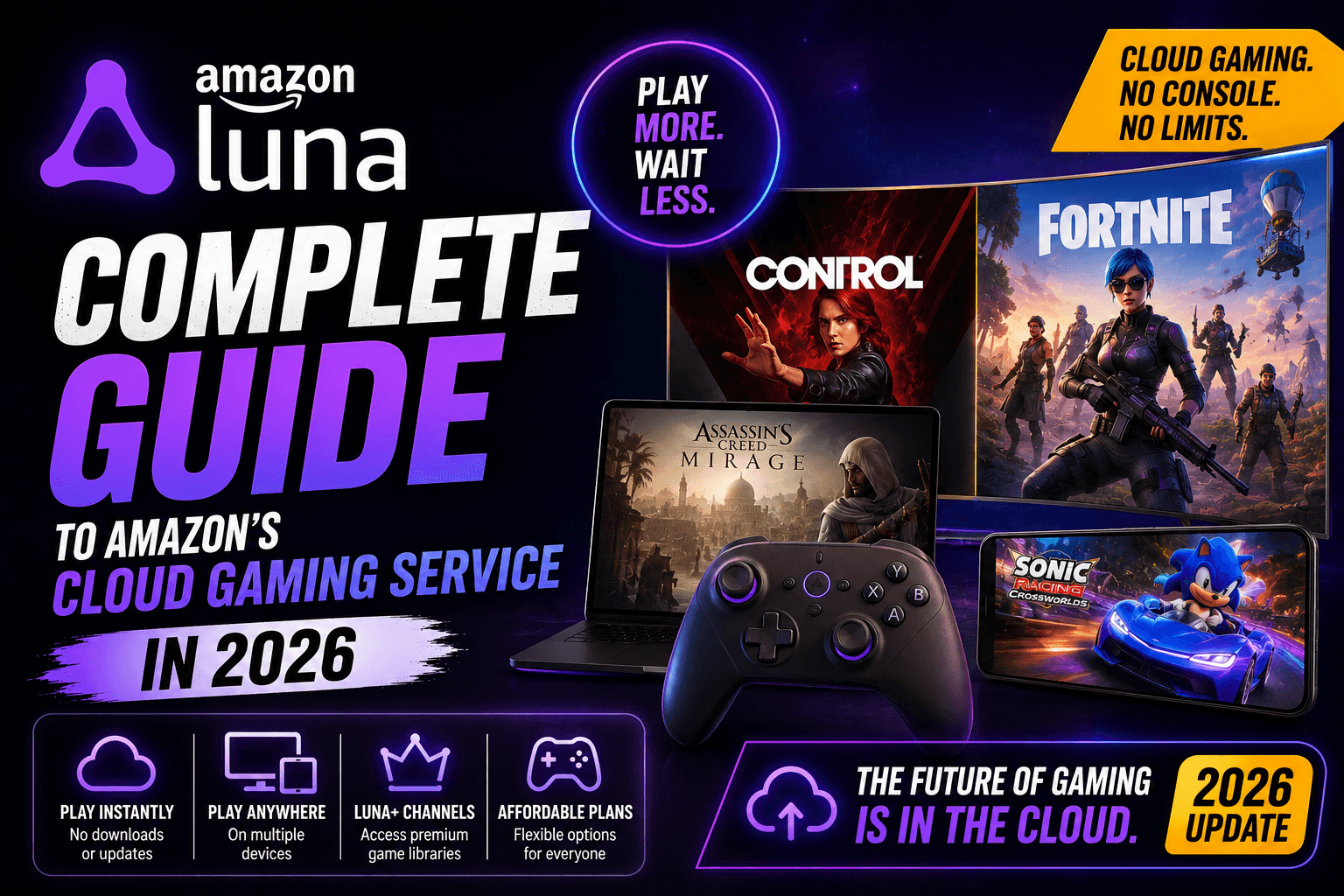
Amazon Luna is Amazon’s cloud gaming service that lets you stream games over the internet without buying a gaming console, downloading huge files, or installing a full PC setup. For many people in the United States, the biggest appeal is simple: if you already have Amazon Prime, Luna gives you another entertainment benefit to use on devices you may already own.
Instead of running the game on your device, Luna runs the game in the cloud and sends the video stream to your screen. Your controller inputs travel back to the server in real time. That means your experience depends heavily on your internet connection, Wi-Fi quality, device, and the game you are playing.
For casual gamers, families, Fire TV users, and people who want easy access to games without buying a console, Amazon Luna can be surprisingly useful. For competitive players who need perfect response time, full ownership, mod support, or a massive game library, it may feel limited.
Quick Answer: What Is Amazon Luna?
Amazon Luna is a cloud gaming platform from Amazon. It lets users play a rotating library of games through streaming instead of local downloads. You can play on supported devices such as Fire TV, compatible smart TVs, computers, tablets, and smartphones.
The service is especially attractive for people who already use Amazon Prime, because Luna includes a selection of games with Prime. Amazon also offers Luna Premium for users who want access to a larger game library.
In simple words:
Amazon Luna is like Netflix-style streaming, but for video games.
You open Luna, choose a game, connect a controller or supported input method, and start playing without waiting for a large download.
Amazon Luna Overview Table
| Feature | Details |
|---|---|
| Service Type | Cloud gaming / game streaming |
| Best For | Casual gamers, Prime members, families, Fire TV users |
| Main Requirement | Fast and stable internet connection |
| Console Needed? | No |
| Downloads Needed? | No for cloud-streamed games |
| Included With Prime? | A rotating Luna library is included with Amazon Prime |
| Paid Upgrade | Luna Premium |
| Good For Kids and Families? | Yes, especially GameNight and party-style games |
| Best Device Experience | Fire TV, supported smart TVs, PC browser, tablets |
| Main Weakness | Library changes, internet dependence, possible input delay |
How Amazon Luna Works
Amazon Luna works by streaming games from Amazon’s cloud servers to your device. The game is not running directly on your phone, TV, laptop, or tablet. Your screen simply receives the live video feed.
Here is the process in a simple flow:
- You open Amazon Luna on a supported device.
- You sign in with your Amazon account.
- You choose a game from the Luna library.
- The game starts in the cloud.
- Your controller, keyboard, mouse, or phone input sends commands back to the server.
- Luna streams the game video back to you.
This is why Luna can work on lower-powered devices. Your device does not need expensive gaming hardware. It mainly needs a strong internet connection and a compatible display.
Why Amazon Luna Matters in 2026
Cloud gaming has had a strange journey. Google Stadia closed, Xbox Cloud Gaming kept growing through Game Pass, NVIDIA GeForce Now focused heavily on PC game libraries, and Amazon Luna changed direction more than once.
In 2026, Amazon Luna is no longer just trying to be a hardcore console replacement. It feels more like a simple gaming benefit inside Amazon’s larger entertainment ecosystem.
That makes sense.
Most people do not want to spend $500 on a console just to play a few games with family, try Fortnite, or enjoy a casual party game on the TV. Luna is designed for that middle ground: people who like games, but do not always want to invest in a full gaming setup.
Amazon Luna Price: How Much Does It Cost?
Amazon Luna has two main ways to use it:
| Option | Best For | What You Get |
| Luna with Amazon Prime | Existing Prime members | Access to a rotating library of games and GameNight titles |
| Luna Premium | More regular cloud gamers | A larger game library beyond the Prime-included selection |
For U.S. users, Amazon Prime is a paid membership. Since Prime already includes shopping, video, music-related benefits, photo storage, and other perks, Luna may feel like an extra bonus rather than a separate gaming bill.
However, if you are only subscribing to Prime for Luna, you should compare the game library carefully before paying.
Is Amazon Luna Free With Prime?
Amazon Luna is not “free” in the pure sense. It is included as part of Amazon Prime benefits for Prime members. That means you do not pay an extra Luna fee for the Prime-included Luna library, but you are still paying for Prime.
Is Luna Premium Worth Paying For?
Luna Premium may be worth it if:
- You use Luna often
- You want a larger game library
- You do not own a console or gaming PC
- You like playing across multiple devices
- You want simple access without downloads
It may not be worth it if:
- You only play one or two games
- You already have Xbox Game Pass, PlayStation Plus, or a gaming PC
- You care about owning games permanently
- You have slow or unstable internet
- You mostly play competitive shooters online
Amazon Luna Games: What Can You Play?
Amazon Luna offers a rotating game library. This means the available games can change over time. Some games may be added, while others may leave the service.
That is normal for subscription-based gaming platforms, but it is important for users to understand. You should not assume every game will stay forever.
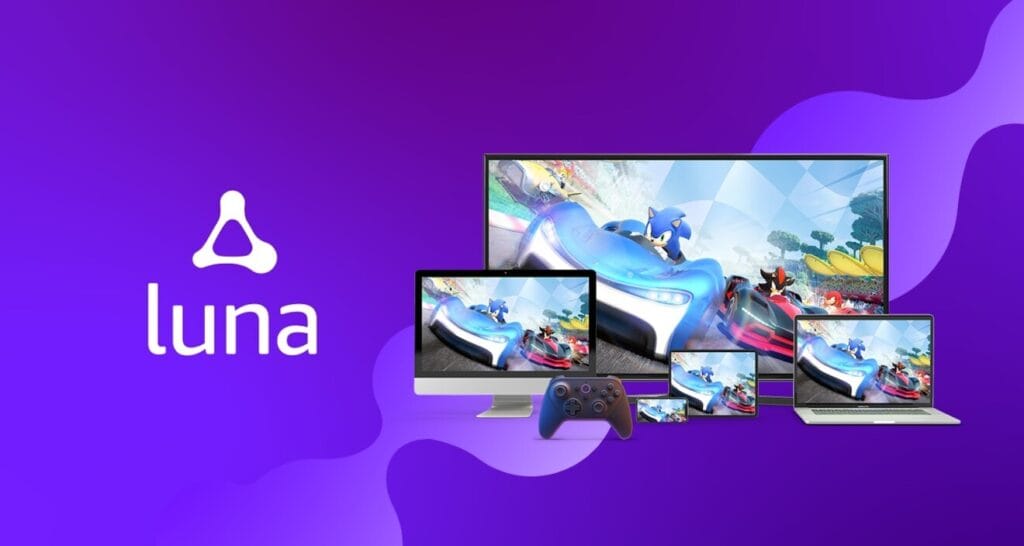
Amazon Luna includes a mix of:
- Family games
- Party games
- Action games
- Adventure games
- Racing games
- Indie games
- Sports titles
- Larger premium titles through Luna Premium
One of Luna’s biggest current pushes is GameNight, a collection of approachable multiplayer games designed for families and friends in the living room. These games are made to be easy to start, easy to understand, and fun for people who may not usually call themselves gamers.
What Is GameNight on Amazon Luna?
GameNight is one of Amazon Luna’s most interesting features. It focuses on local multiplayer games that people can play together at home.
The idea is simple: instead of everyone needing a console controller, players can often join using their smartphones. You scan a QR code, connect your phone, and use it as a controller for supported games.
This makes GameNight useful for:
- Family game nights
- Parties
- Friends hanging out
- Parents playing with kids
- Casual players who do not own controllers
- Living room entertainment
GameNight is not trying to replace serious gaming. It is trying to make games easier to start.
That is a smart move because many people do not want complicated menus, long downloads, controller pairing problems, or expensive hardware. They just want to play something fun right now.
Supported Devices for Amazon Luna
Amazon Luna works across several device types. The exact experience can vary, but Luna is designed around devices many people already own.
| Device Type | Luna Support |
| Fire TV devices | Strong fit for living room play |
| PC and Mac browsers | Good for desktop or laptop users |
| Chromebooks | Useful for lightweight gaming |
| Fire tablets | Good for portable play |
| iPhone and iPad | Works through supported browser experience |
| Android phones and tablets | Useful for mobile cloud gaming |
| Samsung smart TVs | Supported on select models |
| LG smart TVs | Supported on select models |
Before subscribing, always check your exact device model and browser compatibility. Cloud gaming depends not only on the service, but also on your device, Wi-Fi, controller setup, and display quality.
Do You Need the Amazon Luna Controller?
You do not always need the official Amazon Luna Controller, but it can improve the experience.
Amazon Luna supports different control methods depending on the game and device. These may include:
- Amazon Luna Controller
- Xbox controller
- PlayStation DualShock controller
- Keyboard and mouse
- Smartphone controller for some GameNight titles
- Compatible mobile controllers
The Luna Controller is built specifically for cloud gaming. Its main advantage is that it can connect directly through Wi-Fi, which may help reduce input delay compared with some Bluetooth setups.
That said, many users can start with a controller they already own.
Best Controller Setup for Most Users
| User Type | Best Control Option |
| Fire TV player | Luna Controller or compatible Xbox/PlayStation controller |
| PC player | Keyboard and mouse or Xbox controller |
| Family GameNight player | Smartphone controller where supported |
| Mobile player | Mobile controller or compatible Bluetooth controller |
| Casual beginner | Start with what you already have before buying extra hardware |
Internet Speed: What You Need for a Smooth Luna Experience
Amazon Luna can only feel good if your internet is stable. Cloud gaming is more demanding than watching Netflix because your input has to travel back and forth instantly.
For the best experience, focus on stability more than headline speed.
A fast connection with bad Wi-Fi can still feel poor. A slightly slower connection with low latency and strong Wi-Fi can feel much better.
Tips to Improve Amazon Luna Performance
- Use 5 GHz Wi-Fi instead of crowded 2.4 GHz Wi-Fi
- Sit closer to your router
- Use Ethernet if your device supports it
- Avoid downloading large files while playing
- Close extra browser tabs or apps
- Restart your router if Luna feels unstable
- Use a modern controller with low input delay
- Try playing on Fire TV or a wired computer for better consistency
Amazon Luna Pros and Cons
| Pros | Cons |
| No console required | Needs strong internet |
| No big downloads | Game library changes over time |
| Works on many devices | Not ideal for all competitive games |
| Included with Prime library | Not the same as owning games |
| Good for families and casual players | Some games require controller or keyboard/mouse |
| GameNight is easy for groups | Performance depends on Wi-Fi quality |
| Simple living room setup | Luna Premium costs extra |
Who Should Use Amazon Luna?
Amazon Luna is best for people who want easy gaming without building a full gaming setup.
You may like Luna if:
- You already have Amazon Prime
- You own a Fire TV or supported smart TV
- You want games without buying a console
- You enjoy casual gaming
- You play with family or friends
- You want to try cloud gaming for the first time
- You do not want to wait for downloads
- You have a strong home internet connection
Luna is not perfect for everyone, but it is easy to understand why it exists. It removes the first big barrier to gaming: hardware.
Who Should Avoid Amazon Luna?
Amazon Luna may not be the best choice if you are a serious gamer who wants full control over your library.
You may want to skip Luna if:
- You want to own every game permanently
- You play competitive shooters seriously
- You have slow internet
- Your Wi-Fi is unreliable
- You want mod support
- You prefer physical games
- You already own a gaming PC or modern console
- You dislike rotating libraries
Cloud gaming is convenient, but convenience always comes with trade-offs.
Amazon Luna vs Console Gaming
Amazon Luna and console gaming are built for different people.
| Feature | Amazon Luna | Console Gaming |
| Hardware Cost | Low if you already own a supported device | High upfront cost |
| Downloads | Usually no cloud game downloads | Large downloads common |
| Ownership | Subscription-style access | Physical/digital purchases |
| Performance | Depends on internet | More consistent locally |
| Setup | Simple | Requires console setup |
| Best For | Casual and flexible gaming | Dedicated gamers |
| Game Library | Rotating | Depends on purchases/subscriptions |
If you play every day and care about top performance, a console is still better. If you only play sometimes and want a simple way to start, Luna can make more sense.
Amazon Luna vs Xbox Cloud Gaming vs GeForce Now
| Platform | Best For | Main Strength | Main Weakness |
| Amazon Luna | Prime users and casual players | Easy access, Fire TV support, GameNight | Smaller and changing library |
| Xbox Cloud Gaming | Game Pass users | Strong subscription gaming ecosystem | Requires Game Pass Ultimate |
| NVIDIA GeForce Now | PC gamers with existing libraries | High-performance cloud PC-style gaming | Setup can feel less simple for beginners |
Amazon Luna is not trying to win every category. Its strongest angle is convenience. If you already live inside Amazon’s ecosystem, Luna is easy to try.
Important 2026 Update: Luna Has Changed
Amazon Luna has moved further toward a subscription-library model. Older features connected to individual game purchases, third-party stores, and external game library access have changed.
This matters because some older Amazon Luna reviews may still describe features that are no longer the main experience.
For a fresh 2026 review, think of Amazon Luna mainly as:
- A Prime-included cloud gaming benefit
- A GameNight party gaming platform
- A Luna Premium subscription option
- A simple way to stream games without console hardware
Do not judge Luna only by older reviews. The service has been repositioned.
Is Amazon Luna Good for Families?
Yes, Amazon Luna can be a strong option for families, especially because of GameNight.
Many family gaming setups fail because they require too much effort. Someone has to buy controllers, install games, update the console, create accounts, and teach everyone how to play.
Luna reduces a lot of that friction.
A family can open Luna on the TV, choose a GameNight title, scan a QR code, and start playing with phones. That is much easier than the usual console setup.
For parents, Luna can also be a lighter way to test whether kids are actually interested in gaming before spending money on a console.
Is Amazon Luna Good for Hardcore Gamers?
It depends on what kind of hardcore gamer you are.
If you care about convenience and want to stream games across devices, Luna can be useful. But if you care about ultra-low latency, owning games permanently, modding, high-end graphics settings, or the largest library possible, Luna may feel limited.
Hardcore gamers should see Luna as a secondary service, not a full replacement for a gaming PC, Xbox, PlayStation, or Nintendo Switch.
Is Amazon Luna Worth It in 2026?
Amazon Luna is worth trying if you already have Amazon Prime and a strong internet connection. Since the Prime-included Luna library comes as part of your membership, there is little risk in testing it.
It becomes a more serious decision if you are thinking about paying for Luna Premium. In that case, check the current game list first. If you see multiple games you actually want to play, Luna Premium may be worth it. If not, wait until the library improves or rotates.
Simple Verdict
| User Situation | Recommendation |
| Already have Prime | Try Luna |
| Own Fire TV | Definitely worth testing |
| Want family party games | Good choice |
| Want console-level ownership | Not ideal |
| Have slow Wi-Fi | Avoid until internet improves |
| Play competitive games seriously | Use console or PC |
| Want a bigger Luna library | Consider Luna Premium |
Best Reasons to Try Amazon Luna
Here are the strongest reasons to give Luna a chance:
- You can play without buying a console
- You can avoid long downloads
- It works well for casual and family gaming
- GameNight makes multiplayer easy
- It is convenient for Prime members
- Fire TV support makes living room gaming simple
- You can try cloud gaming with less commitment
- It works across different screens
The biggest benefit is not raw power. The biggest benefit is low-friction gaming.
You open it, pick something, and play.
Biggest Problems With Amazon Luna
Amazon Luna still has real weaknesses.
The biggest problems are:
- The library can change
- You do not own the subscription games
- Performance depends on internet quality
- Some users may notice input delay
- It may not satisfy serious gamers
- Luna Premium adds another monthly cost
- Older feature changes may confuse returning users
These problems do not make Luna bad. They simply define who it is for.
How to Get Started With Amazon Luna
Getting started is simple:
- Go to Amazon Luna on a supported device.
- Sign in with your Amazon account.
- Check which Luna games are included with your Prime membership.
- Connect a controller, keyboard and mouse, or supported phone controller.
- Choose a game.
- Test your connection.
- Adjust your setup if you notice lag.
Start with a casual game first. Do not judge the service only by a fast competitive game. Cloud gaming performance is easier to test with slower-paced games, racing games, adventure games, or GameNight titles.
Tips Before Paying for Luna Premium
Before upgrading, ask yourself:
- Do I like at least five games in the Premium library?
- Will I play more than once or twice per month?
- Is my internet stable enough?
- Do I already pay for another game subscription?
- Am I okay with a rotating library?
- Do I want convenience more than ownership?
If the answer is yes, Luna Premium may be useful. If not, stick with the Prime-included Luna access.
Final Verdict: Amazon Luna Is Best for Easy Gaming, Not Perfect Gaming
Amazon Luna is not trying to be the most powerful gaming platform in the world. It is trying to make gaming easier for people who do not want the usual barriers.
That is where Luna makes sense.
It is best for Prime members, Fire TV owners, families, casual players, and anyone curious about cloud gaming. It is less ideal for competitive players, collectors, modders, and gamers who want complete control over their library.
In 2026, Amazon Luna feels less like a console replacement and more like a simple gaming layer inside Amazon Prime. For the right person, that is enough.
If you already have Prime, test Luna before buying anything else. If it runs well on your internet and the games fit your taste, it can be one of the easiest ways to start playing today.
Frequently Asked Questions About Amazon Luna
What is Amazon Luna?
Amazon Luna is Amazon’s cloud gaming service. It lets you stream games over the internet on supported devices without downloading the full game or buying a console.
Is Amazon Luna free?
Amazon Luna includes a selection of games for Amazon Prime members. It is not completely free because Prime itself is a paid membership. Luna Premium is a separate paid option for a larger game library.
Do I need Amazon Prime for Luna?
You need Prime to access the Prime-included Luna library. Some Luna access may also be available through paid Luna options, depending on Amazon’s current plans in your region.
Can I play Amazon Luna on Fire TV?
Yes, Fire TV is one of the best ways to use Amazon Luna because it brings cloud gaming directly to your living room TV.
Do I need the Luna Controller?
No, not always. The Luna Controller is designed for Luna and may improve the experience, but other compatible controllers, keyboard and mouse, or phone controls for certain GameNight titles may also work.
Is Amazon Luna good for kids?
Amazon Luna can be good for families and kids, especially through GameNight and casual games. Parents should still check age ratings, game content, and account settings before letting children play.
Is Amazon Luna better than Xbox Cloud Gaming?
Amazon Luna is better for some Prime users and casual players. Xbox Cloud Gaming is usually stronger for people already invested in Xbox Game Pass. The better choice depends on the games you want and the subscription you already use.
Can I play Fortnite on Amazon Luna?
Fortnite has been one of the notable games available through Luna, but cloud gaming libraries can change. Always check the current Luna game library before relying on one specific title.
Does Amazon Luna work without internet?
No. Amazon Luna is a cloud gaming service, so it needs an active internet connection to stream games.
Is Amazon Luna worth it?
Amazon Luna is worth trying if you already have Prime, strong internet, and a supported device. It is most useful for casual gaming, family play, and people who want games without buying a console.
🔥 Related Posts
League of Legends Worlds Quiz: Test Your Knowledge of LoL Esports History

The Most Popular Mobile Games in The World

Top 10 Mobile Games That Secretly Teach You Life Skills
Gplusgames.com Unblocked Games G+ 2026: Still Working? Top Titles, Status & Best Alternatives

Minecraft Story Mode: An Epic Adventure in the Blocky World