Building a gaming PC sounds cool until you are staring at a motherboard manual at 1 a.m., wondering why the RGB lights work but the screen is black.
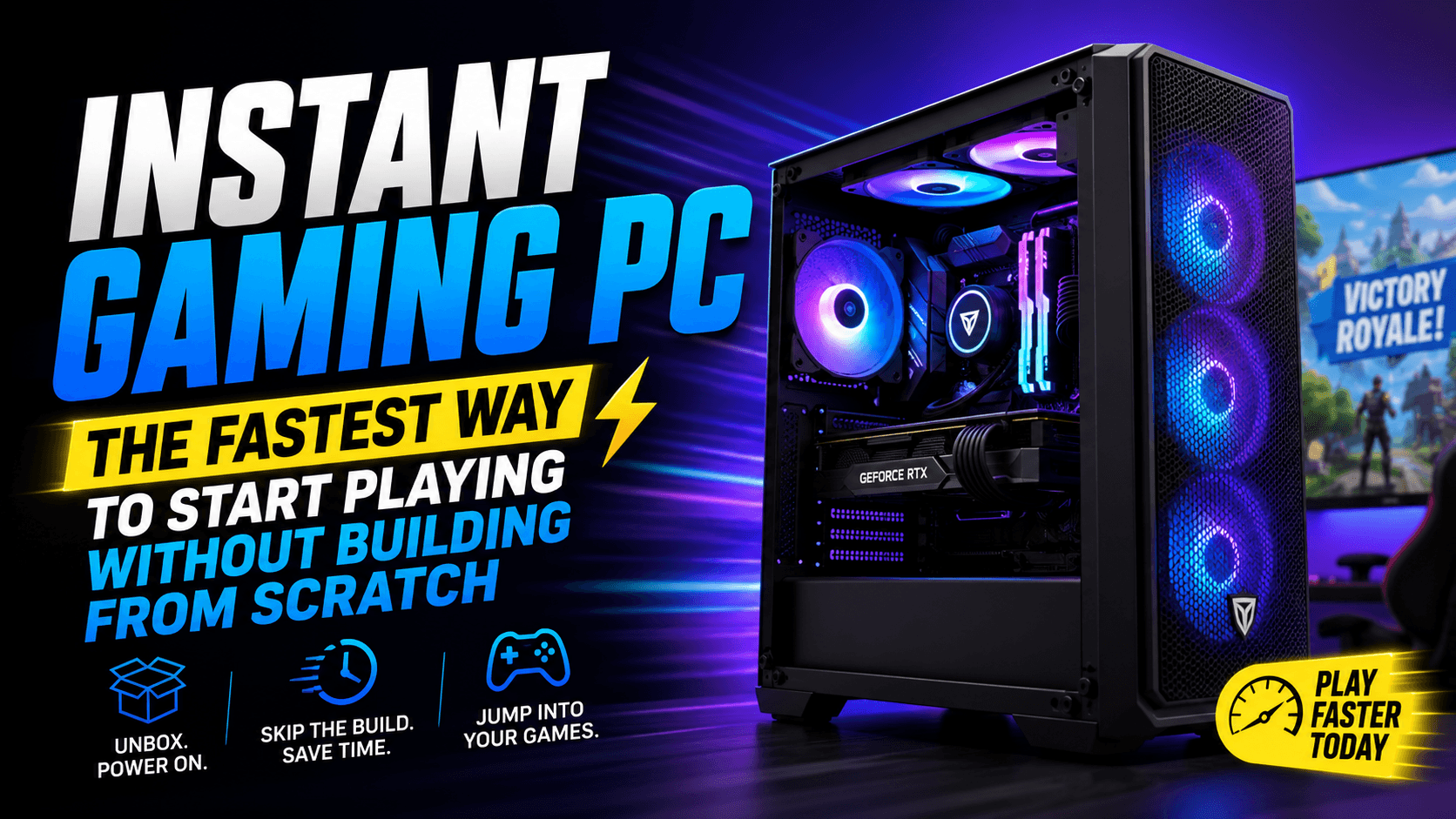
That is why the idea of an instant gaming PC is so attractive.
You want to play. Not wait. Not troubleshoot. Not compare 19 versions of the same graphics card. You want a machine that can jump into Fortnite, Call of Duty, Minecraft, GTA V, Roblox, Valorant, Cyberpunk, Starfield, or your favorite Steam library without turning setup day into a science project.
An instant gaming PC is not always one single product. It can mean a few different things:
| Type of Instant Gaming PC | Best For | Main Benefit |
|---|---|---|
| Ready-to-play prebuilt gaming PC | Players who want full ownership | Real hardware, local performance, upgradeable parts |
| Cloud gaming PC service | Players who want no hardware setup | Play instantly on a basic laptop, desktop, TV, or tablet |
| Gaming laptop | Students, travelers, small rooms | Portable and ready out of the box |
| Mini gaming PC | Desk setups, apartments, clean spaces | Compact power without a huge tower |
| Used or refurbished gaming PC | Budget buyers | Lower upfront cost if checked carefully |
The right choice depends on one simple question:
Do you want instant access, or do you want long-term performance?
If you want both, you need to know what to buy, what to avoid, and what specs actually matter.
What Is an Instant Gaming PC?
An instant gaming PC is any gaming setup that lets you start playing PC games quickly with minimal setup. It usually falls into one of these categories:
- A prebuilt gaming PC that arrives assembled and ready to connect
- A cloud gaming setup where the heavy hardware runs in the cloud
- A gaming laptop that needs only power, Wi-Fi, and game downloads
- A mini PC made for plug-and-play gaming
- A refurbished gaming desktop already configured for games
In plain English:
An instant gaming PC is for people who want the PC gaming experience without the slow, confusing build process.
That includes beginners, parents buying for kids, busy adults, streamers, students, and console players switching to PC.
Why Instant Gaming PCs Are So Popular in the USA
PC gaming used to feel like a hobby for people who enjoyed building as much as playing. That has changed.
Today, many USA gamers want something faster:
- Order online
- Unbox it
- Connect monitor, keyboard, and mouse
- Sign in to Steam, Xbox, Epic Games, or Battle.net
- Download games
- Start playing
The demand makes sense. Games are bigger, more competitive, and more social than ever. Nobody wants to miss weekend matches because they are waiting for a graphics card shipment or trying to fix a BIOS update.
An instant gaming PC gives you the best part first: the game.
Instant Gaming PC vs Building Your Own PC
Building your own PC can save money and teach you a lot. But it is not always the best choice for everyone.
| Feature | Instant Gaming PC | Build Your Own PC |
| Setup time | Fast | Slow to moderate |
| Beginner friendly | Yes | Not always |
| Troubleshooting | Usually less | More likely |
| Custom parts | Limited | Full control |
| Warranty | Often one-system warranty | Separate part warranties |
| Upgrade potential | Good, if standard parts are used | Excellent |
| Price control | Moderate | High |
| Best for | Fast start, simple buying | Hobbyists and advanced users |
Choose an instant gaming PC if:
- You want to play quickly
- You do not want to learn PC building
- You need a gift for a gamer
- You want warranty support
- You prefer simple setup over maximum customization
Build your own PC if:
- You enjoy hardware research
- You want full control over every part
- You are comfortable troubleshooting
- You want the best possible value per component
Neither option is “wrong.” The better choice is the one that gets you gaming without regret.
The 3 Best Ways to Get an Instant Gaming PC
1. Buy a Prebuilt Gaming PC
A prebuilt gaming PC is the closest thing to a true instant gaming PC. It arrives assembled with the CPU, GPU, RAM, storage, case, cooling, and operating system already installed.
You still need to install your games, update drivers, and connect your accessories, but the hard part is done.
Good prebuilt gaming PCs are ideal for:
- First-time PC gamers
- Families buying for teens
- Streamers who need fast setup
- Console players switching to PC
- Anyone who wants upgradeable hardware
Before buying, check:
- Graphics card model
- Processor generation
- RAM amount
- SSD size
- Cooling system
- Power supply wattage
- Warranty coverage
- Upgrade space inside the case
A strong prebuilt gaming PC should not hide its specs. If the product page says “high-performance graphics” but does not clearly name the GPU, skip it.
2. Use a Cloud Gaming PC Service
A cloud gaming PC lets you play PC games without owning a powerful gaming desktop. Instead, the game runs on remote hardware and streams to your screen.
That means your old laptop, office desktop, tablet, or smart TV can feel like a gaming machine if your internet connection is strong enough.
Popular options include:
Cloud gaming is excellent if you want:
- No expensive hardware
- No large downloads for supported games
- Gaming on multiple devices
- Fast access while traveling
- A low-cost way to test PC gaming
But it has limits.
You need stable internet. Competitive shooters may feel different because of latency. Some games may not be available. Mods are usually limited. And unlike a real gaming PC, you do not own the hardware.
Cloud gaming is not the perfect replacement for a gaming desktop, but it is one of the fastest ways to start playing.
3. Buy a Gaming Laptop
A gaming laptop is another easy instant gaming PC option. It arrives ready to use, includes a screen and keyboard, and can be carried anywhere.
It is perfect for:
- College students
- Apartment living
- Travel
- Shared rooms
- Gamers who do not want a full desk setup
The tradeoff is heat and upgrade limits. Most gaming laptops allow storage and RAM upgrades, but the graphics card and processor are usually fixed.
For best results, look for:
- Dedicated NVIDIA or AMD graphics
- At least 16GB RAM
- 512GB or 1TB SSD
- Good cooling reviews
- High-refresh display
- Strong warranty
A gaming laptop is convenient, but a desktop usually gives better performance for the same money.
Recommended Instant Gaming PC Specs
The biggest mistake beginners make is buying a gaming PC based only on words like “fast,” “pro,” “ultimate,” or “RGB.”
Ignore the hype. Look at the specs.
| Gaming Goal | CPU | GPU | RAM | Storage | Best For |
| Casual gaming | Intel Core i5 / Ryzen 5 | Entry-level dedicated GPU | 16GB | 512GB SSD | Roblox, Minecraft, Fortnite, Sims |
| 1080p gaming | Core i5 / Ryzen 5 newer generation | RTX 4060 / RX 7600 class | 16GB | 1TB SSD | Most gamers |
| 1440p gaming | Core i5/i7 or Ryzen 5/7 | RTX 4070 class or better | 32GB preferred | 1TB SSD | High settings, smoother visuals |
| Streaming + gaming | Core i7 / Ryzen 7 | RTX 4070 class or better | 32GB | 1TB–2TB SSD | Twitch, YouTube, recording |
| Budget cloud setup | Any modern PC/laptop | Not required locally | 8GB–16GB | Basic storage | Cloud gaming services |
Minimum I would recommend for most USA buyers:
- CPU: Intel Core i5 or AMD Ryzen 5
- GPU: Dedicated NVIDIA RTX or AMD Radeon graphics
- RAM: 16GB minimum
- Storage: 1TB SSD if possible
- Operating System: Windows 11
- Connectivity: Ethernet or strong Wi-Fi 6/6E
If the budget allows, choose 32GB RAM and a 1TB SSD. Modern games eat storage quickly.
What Games Can You Play on an Instant Gaming PC?
A good instant gaming PC can handle a wide range of games, including:
- Fortnite
- Valorant
- Call of Duty
- Minecraft
- Roblox
- Apex Legends
- Counter-Strike 2
- GTA V
- Red Dead Redemption 2
- Baldur’s Gate 3
- Cyberpunk 2077
- Elden Ring
- Starfield
- Forza Horizon
- The Sims 4
Performance depends on the graphics card, processor, RAM, storage, display resolution, and game settings.
For example, a budget gaming PC may run Fortnite smoothly at 1080p, but struggle with heavy ray tracing in Cyberpunk 2077. A higher-end instant gaming PC can handle more demanding visuals, higher frame rates, and better streaming performance.
Prebuilt Gaming PC Buying Checklist
Before buying any instant gaming PC, use this checklist.
| Checkpoint | Why It Matters |
| Exact GPU name is listed | The graphics card is the heart of gaming performance |
| 16GB RAM or more | 8GB is too limiting for many modern games |
| SSD storage included | Games load much faster from SSDs |
| Power supply brand/wattage shown | Cheap power supplies can limit upgrades |
| Case has airflow | Bad cooling can reduce performance |
| Standard parts used | Easier upgrades later |
| Clear return policy | Important for online purchases |
| Real customer reviews | Helps spot heating, noise, or support issues |
| Warranty included | Protects your purchase |
| No vague marketing | “Gaming ready” means nothing without specs |
Red flags to avoid:
- “Gaming PC” with no dedicated graphics card
- Only 8GB RAM
- Tiny 256GB storage
- Unknown power supply
- Old processor with new-looking case
- Product pages that hide the GPU model
- Overpriced RGB with weak specs
- No return policy
A flashy case does not make a PC fast. The graphics card does.
Instant Gaming PC Price Guide
Prices change often, but this table gives a useful buying mindset.
| Budget Range | What to Expect | Buyer Advice |
| Under $500 | Basic PC or cloud gaming setup | Good for light games, not heavy AAA titles |
| $500–$800 | Entry-level gaming desktop | Check GPU carefully |
| $800–$1,200 | Strong 1080p gaming PC | Best range for many beginners |
| $1,200–$1,800 | 1440p gaming and streaming | Better long-term value |
| $1,800+ | High-end gaming/creator system | Buy only if you need the power |
For most gamers, the sweet spot is usually a mid-range system that handles 1080p or 1440p gaming without forcing upgrades immediately.
Do not overspend just because a PC has aggressive branding. Spend where it matters: GPU, CPU, RAM, SSD, cooling, and power supply.
Instant Gaming PC Setup: What to Do First
Once your gaming PC arrives, do not rush straight into a 100GB game download. Spend a little time setting it up correctly.
Step 1: Check the box and cables
Make sure the PC arrives safely. Look for loose parts, broken glass panels, bent ports, or disconnected cables.
Step 2: Connect the monitor to the graphics card
This is a common beginner mistake.
Do not plug your monitor into the motherboard if your PC has a dedicated GPU. Plug it into the graphics card ports lower on the back of the tower.
Step 3: Run Windows updates
Go to:
Settings > Windows Update
Install available updates, then restart.
Step 4: Update graphics drivers
Use the official NVIDIA, AMD, or Intel driver tools depending on your graphics card.
Step 5: Install your game launchers
Common PC gaming platforms include:
Step 6: Adjust display settings
Set your monitor to its highest refresh rate.
On Windows:
Settings > System > Display > Advanced display
If you bought a 144Hz or 165Hz monitor, make sure it is not stuck at 60Hz.
Step 7: Install your first games
Start with two or three games, not your entire library. Keep storage clean.
Step 8: Test temperatures
Install a trusted monitoring tool and check CPU/GPU temperatures during gameplay. Good cooling matters for long-term performance.
Cloud Gaming vs Instant Gaming PC: Which Is Better?
Cloud gaming is fast. A real gaming PC is powerful. The better choice depends on your lifestyle.
| Feature | Cloud Gaming | Instant Gaming PC |
| Hardware cost | Low | Medium to high |
| Setup speed | Very fast | Fast |
| Internet dependence | Very high | Moderate |
| Game ownership | Depends on service | Full local control |
| Mods | Limited | Strong |
| Competitive gaming | Can have latency | Better |
| Graphics control | Limited | Full control |
| Long-term value | Subscription-based | Owned hardware |
Choose cloud gaming if:
- You want to start today
- You do not want to buy expensive hardware
- You play casually
- You have strong internet
- You move between devices often
Choose a real instant gaming PC if:
- You play competitive games
- You want lower latency
- You use mods
- You stream or create content
- You want to own and upgrade hardware
Cloud gaming is the fastest door into PC gaming. A real gaming PC is still the stronger long-term home.
Best Accessories for an Instant Gaming PC
A gaming PC is only part of the setup. The right accessories make the experience smoother.
Essential accessories:
- Gaming monitor
- Mechanical or membrane gaming keyboard
- Comfortable gaming mouse
- Mouse pad
- Headset or speakers
- Ethernet cable
- Surge protector
- Controller, if preferred
Nice-to-have upgrades:
- 144Hz or higher monitor
- External backup drive
- Webcam for streaming
- USB microphone
- RGB lighting
- Gaming chair
- Desk cable management kit
The most important accessory is the monitor. A powerful PC connected to an old 60Hz screen will not feel as smooth as it should.
Common Mistakes First-Time Buyers Make
Mistake 1: Buying the cheapest “gaming PC” online
Some cheap systems use old office PC parts with a basic graphics card added later. They may run light games, but they are not ideal for modern gaming.
Mistake 2: Ignoring the GPU
The GPU matters more than the case design. Always check the exact graphics card.
Mistake 3: Choosing 8GB RAM
For modern gaming, 16GB is the safer minimum.
Mistake 4: Forgetting storage
Many new games are huge. A 256GB SSD fills quickly.
Mistake 5: Not checking upgrade options
A good instant gaming PC should leave room for future upgrades.
Mistake 6: Using Wi-Fi for competitive gaming
Wi-Fi can work, but Ethernet is usually more stable for competitive games.
Mistake 7: Expecting cloud gaming to feel exactly like local gaming
Cloud gaming can be impressive, but internet quality matters. Local hardware still gives better control.
Is an Instant Gaming PC Good for Streaming?
Yes, if you choose the right specs.
For streaming on Twitch, YouTube, or Kick, look for:
- 6-core or 8-core processor
- Dedicated GPU with modern encoding support
- 32GB RAM if possible
- 1TB SSD or larger
- Stable wired internet
- Quiet cooling
- Good microphone
A budget gaming PC can stream lighter games, but heavier titles need more headroom. If you plan to game and stream at the same time, do not buy the absolute cheapest system.
Is an Instant Gaming PC Worth It?
An instant gaming PC is worth it if you value time, convenience, and simplicity.
It is especially worth it for:
- Beginners
- Parents buying a gaming setup
- Busy adults
- Students
- Console players moving to PC
- Gamers who want fewer setup problems
- Streamers who need fast launch time
It may not be worth it if you enjoy building PCs, want full part control, or are chasing the absolute lowest cost.
For most people, though, the appeal is simple:
You get to play sooner.
And sometimes, that is the whole point.
🔥 Related Posts

Mini Games: The Ultimate Guide to Fun, Casual Gaming

How to Download and Play Among Us APK on Android in Colombia

Video Game Music Composition: How to Write Music That Actually Works in a Game

Top 10 Most Downloaded Mobile Games in 2025 – Must-Play Titles
Which U.S. Celebrities Are Obsessed with Mobile Gaming? Inside Hollywood’s Digital Addiction