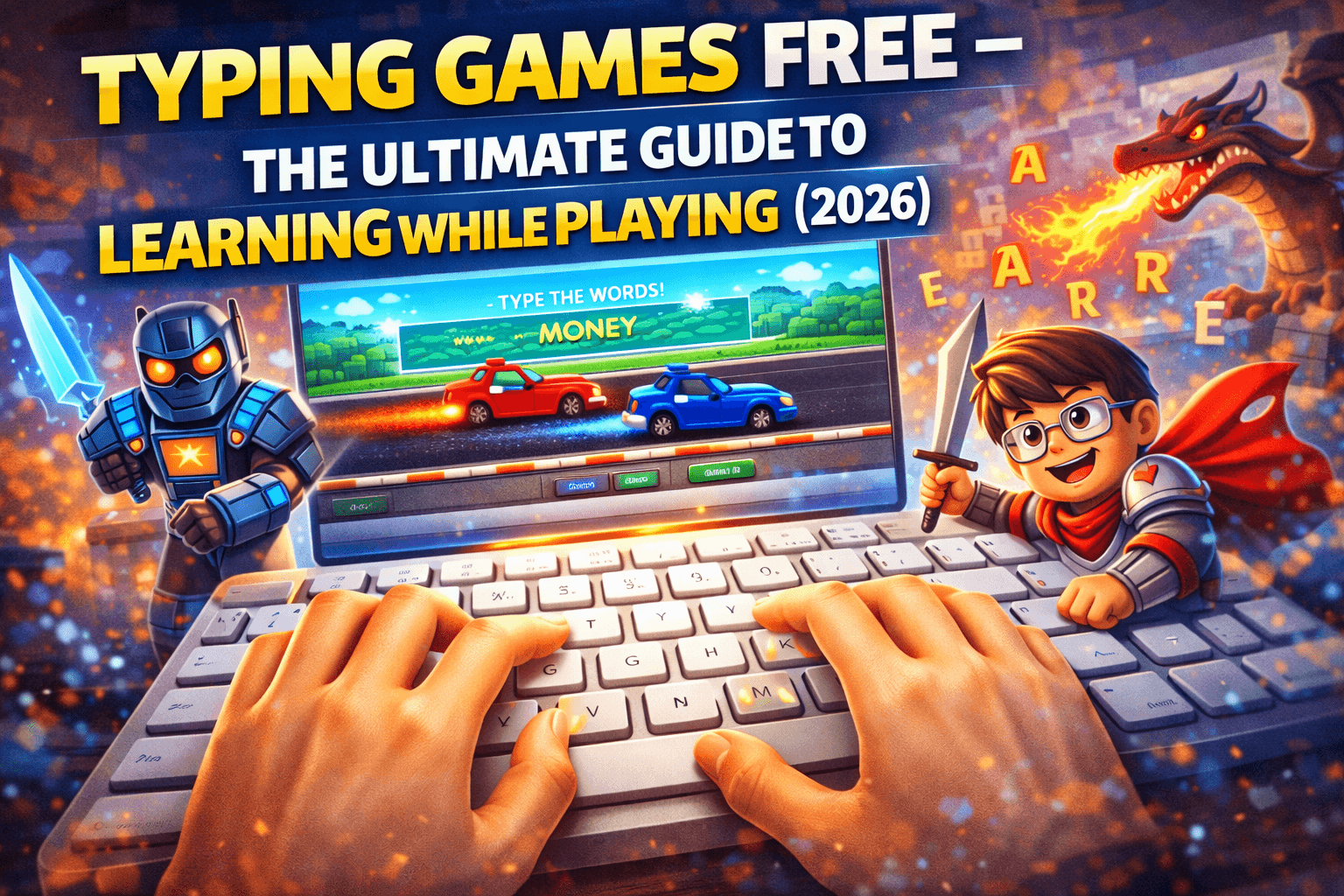
If you’re searching for typing games free, you’re likely looking for a fun way to improve your typing speed, accuracy, and confidence without boring practice drills. The good news is that free typing games have become one of the most effective and enjoyable ways to learn keyboard skills, whether you’re a student, a gamer, or someone working online in the United States.
Instead of staring at repetitive typing lessons, you can now play interactive games that teach you how to type faster while keeping you entertained. In this detailed guide, you’ll discover the best free typing games, how they work, their benefits, and how to choose the right one for your skill level.
What Are Free Typing Games?
Typing games are interactive tools designed to help users learn and improve keyboard skills through gameplay. Instead of memorizing keys, you practice typing while:
- Racing against time
- Shooting targets with words
- Completing missions
- Competing with other players
Most typing games free online require no download and work directly in your browser.
Why Typing Games Are So Popular in 2026
Typing games are trending because they combine learning with entertainment. In the U.S., where digital skills are essential for school and work, typing is no longer optional.
Fun Learning Experience
Typing becomes a game instead of a task.
Instant Feedback
You can see your speed (WPM) and accuracy immediately.
Suitable for All Ages
Kids, teens, and adults can all benefit.
No Cost
Most typing games are completely free.
Best Free Typing Games to Play Online
Here are some of the most popular platforms offering typing games free:
1. TypingClub
TypingClub offers structured lessons combined with mini-games. It’s great for beginners and schools.
2. Nitro Type
A competitive typing race game where you race against real players using cars. Perfect for improving speed quickly.
3. Keybr
Focuses on accuracy and muscle memory. Not flashy, but highly effective.
4. 10FastFingers
Popular for quick typing tests and competitions.
5. Typing.com
Offers lessons, games, and tests in one place.
Types of Free Typing Games
Different games focus on different skills.
Speed-Based Games
These improve words per minute (WPM).
Example: racing games like Nitro Type.
Accuracy Games
These help reduce mistakes and improve precision.
Adventure Typing Games
You complete missions or levels by typing correctly.
Multiplayer Typing Games
Compete with players worldwide in real time.
How Typing Games Improve Your Skills
Typing games are not just fun — they are effective learning tools.
Muscle Memory Development
Repeated gameplay trains your fingers to find keys automatically.
Faster Reaction Time
Games force you to think and type quickly.
Better Focus
You concentrate more when playing compared to traditional learning.
Confidence Boost
Seeing improvement motivates you to keep practicing.
Tips to Improve Faster with Typing Games
If you want real results, follow these tips:
Use Proper Finger Placement
Learn touch typing instead of looking at the keyboard.
Start Slow
Accuracy matters more than speed in the beginning.
Practice Daily
Even 15–20 minutes a day makes a big difference.
Track Your Progress
Monitor your WPM and accuracy regularly.
Challenge Yourself
Play harder levels or compete with others.
Ideal Typing Speed (WPM)
Here’s a general guide:
| Level | WPM Speed |
|---|---|
| Beginner | 20–30 WPM |
| Intermediate | 40–60 WPM |
| Advanced | 70–100+ WPM |
Most professionals in the U.S. aim for at least 50–60 WPM.
Are Free Typing Games Safe?
Yes, most typing games are safe as long as you use trusted websites. Avoid downloading unknown software or clicking suspicious ads.
Stick to well-known platforms like:
- TypingClub
- Nitro Type
- Typing.com
Typing Games for Kids vs Adults
For Kids
- Colorful design
- Simple words
- Fun animations
For Adults
- Focus on speed and accuracy
- Minimal distractions
- Real-world typing practice
Benefits of Playing Free Typing Games
Typing games offer several long-term advantages:
- Improve typing speed
- Reduce errors
- Save time in daily tasks
- Increase productivity
- Help in school assignments
- Improve job performance
In today’s digital world, typing is a core skill for almost every profession.
Common Mistakes to Avoid
Many beginners make these mistakes:
- Looking at the keyboard
- Typing too fast without accuracy
- Skipping proper finger placement
- Not practicing regularly
Avoiding these mistakes can speed up your progress.
Frequently Asked Questions (FAQ)
What are typing games free?
They are online games that help improve typing skills without cost.
Can I learn typing only through games?
Yes, but combining games with lessons gives better results.
How long does it take to improve typing?
With daily practice, noticeable improvement can happen within a few weeks.
Are typing games suitable for beginners?
Yes, many games are designed specifically for beginners.
Do typing games work on mobile?
Some do, but they are more effective on a keyboard (PC or laptop).
Final Thoughts
If you want to improve your typing skills without getting bored, typing games free are one of the best solutions available in 2026. They turn learning into an enjoyable experience while helping you build real, practical skills.
Whether you’re a student, gamer, or working professional in the United States, better typing can save time, increase productivity, and boost confidence. The key is consistency — play regularly, track your progress, and challenge yourself.
Start today, and you’ll be surprised how quickly your typing speed improves.
🔥 Related Posts

Candy Crush Saga — The Complete Guide to Levels, Boosters, Tips & Strategy

Terraria Wiki: Full Game Guide with Updates and Downloads
Gaming Fun Facts Quiz: 20 Questions to Test Your Video Game Knowledge
Sudoku Online 2026: Play Free Daily Puzzles Now

Bubble Shooter Free Online: The Complete USA Guide to Playing, Winning & Enjoying the Classic Game